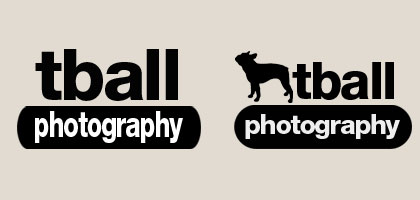
Most people preferred the first one and I have to admit it does look better as a watermark on photos. The second logo works too but as a watermark it seems to be less effective. The second logo seems to work better as a logo instead of a watermark and would look better on a business card.
#photoshop
Cute text effect

I love typography! There are tons of text effect tutorials but there are only a few that are really good. I love experimenting with photoshop and trying out these tutorials. Some are really well explained, while others can be a real guessing game. Photoshop star has some great tutorials and are very easy to follow.
The latest tutorial I tried – Cute text effect… I can definitely see possibilities with this one.
Related Articles
Photoshop Photo Retouching
Here are some examples of how I am able to use Photoshop to retouch photos.
Calendar Project
This project consists of creating 12 different wallpapers with 12 different creativity quotes and then putting it together into a calendar. Software: Adobe Photoshop and Illustrator CS4
Concert Poster
Project was to design a poster for a band of our choice. These posters were to be printed and displayed at a student exhibition. The size was 11″x17″ and had to be 300ppi. Because concert posters are used as promotional tools, the main focus of the poster had to be the promotional value. For the DJ Tiesto poster I drew out his face in photoshop using my Wacom tablet. Software: Adobe Photoshop CS4
Greece Print
As I mentioned before photography is one of my passions as is traveling. Last summer I went to Greece and was able to take tons of pictures. Using techniques I learned using Photoshop I created some prints of Greece and this is one of my favorites.

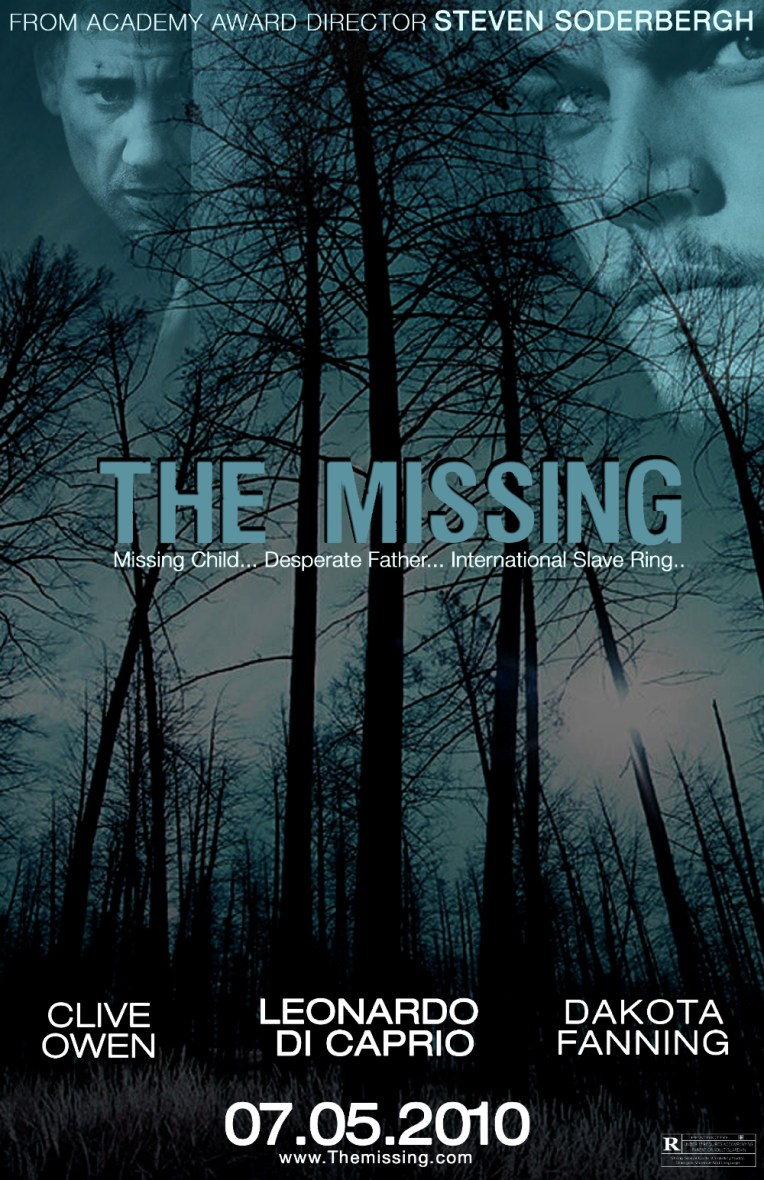
Movie Poster – "The Missing"
What would a movie be without a movie poster? When designing a movie poster it is important to always assure that the design will be suitable to the genre of the movie.
This project was to create a movie poster for a psychological thriller called “The Missing”. The only information given to us was the title, so the whole poster was designed from scratch. Software: Adobe Photoshop CS3

Cause/Informative Posters
This project was to create informative/cause posters that would have a shock factor that would get the poster’s message across to its target audience. The original size of these posters was 11″ x 17″ and part of this project was to have them printed. They were also part of student exhibition. Software: Adobe Photoshop CS4