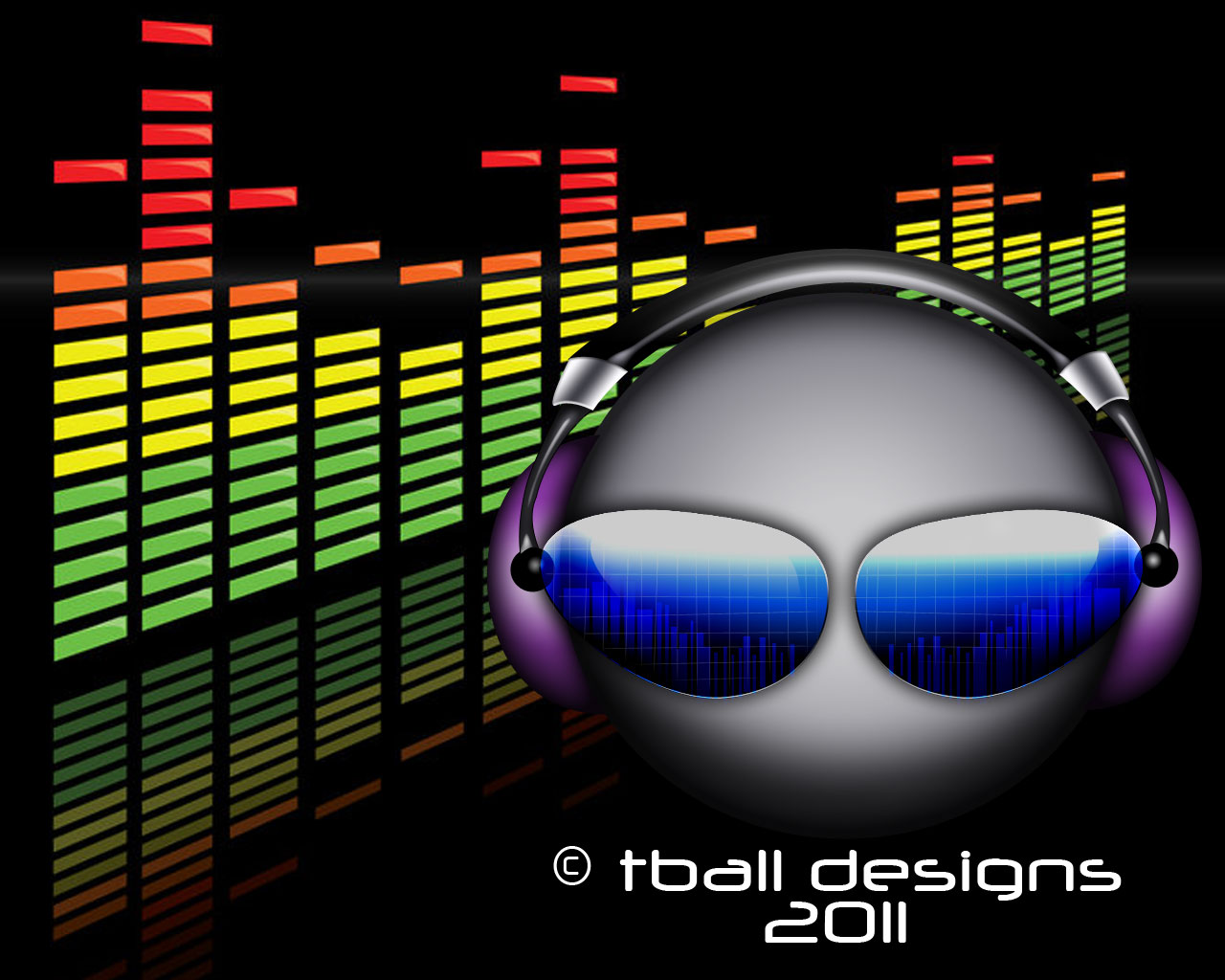

Most people preferred the first one and I have to admit it does look better as a watermark on photos. The second logo works too but as a watermark it seems to be less effective. The second logo seems to work better as a logo instead of a watermark and would look better on a business card.

Portfolio
New logo
I have been trying to come up with a simple logo to put on my “Project 365” photographs. I really didn’t want a simple signature logo, since sometimes they tend to get lost in the photograph. I finally came up with this simple logo – it is still a work in progress so any feedback would be appreciated.

Concordia University – Public Art

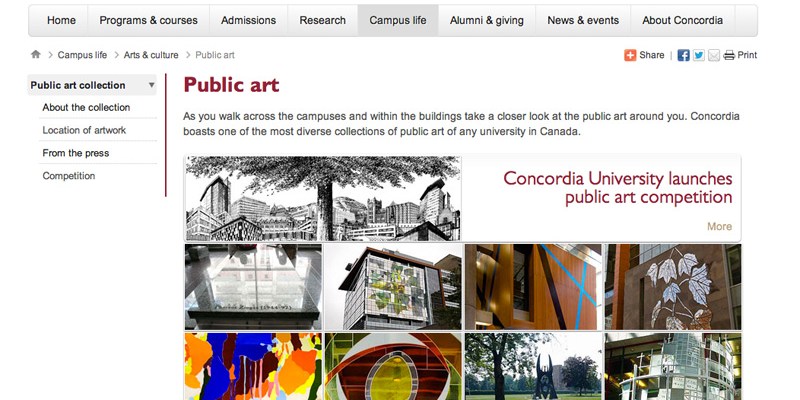
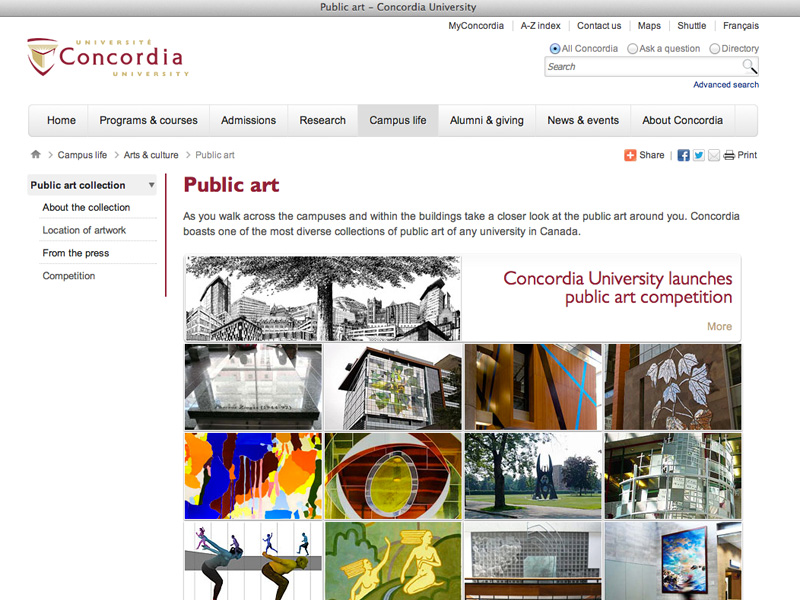
One of the very first projects that I worked on at Concordia was to migrate several websites from the old template into the newly redesigned look of concordia.ca, which was launched March 2, 2011. One of my favourites pages that I worked on were the Public Art pages. I created a landing page that featured all the public art works at the university. When you hover over each image you get the name of the artist and a description about the artwork.
Another part of this project was to create a google map mashup – that was really fun! Check out the next page to see my mashup.
DJ Tball
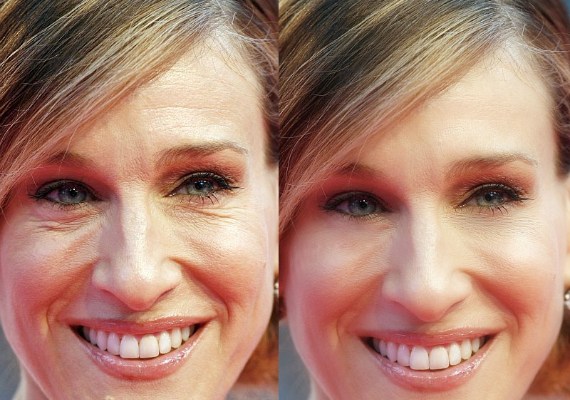
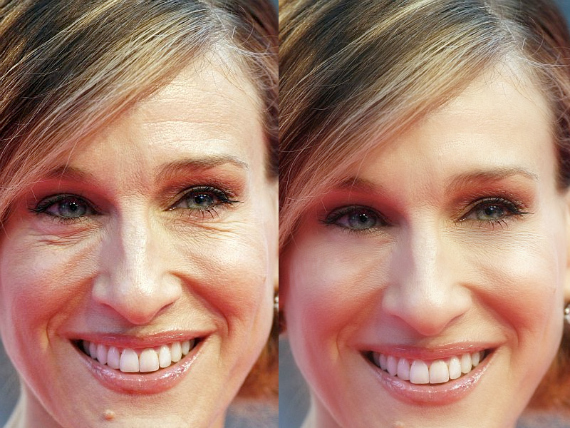
Fixing Wrinkles
Photoshop Photo Retouching
Here are some examples of how I am able to use Photoshop to retouch photos.
tball designs website
This is my website that I created as a personal project in order to showcase my print portfolio. I made it into a one page website with vertical scrolling using scripts downloaded of the internet. To showcase my works I used a lightbox script. Another feature I added was that the background changes every time you reload the page. Right now this website is on a free hosting site, which I found loads a bit slowly sometimes. To see it live follow this link. Software: Adobe Dreamweaver CS4

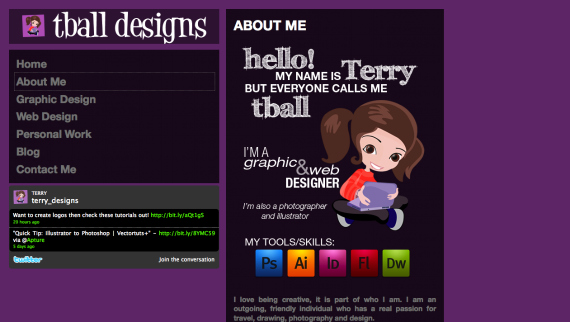
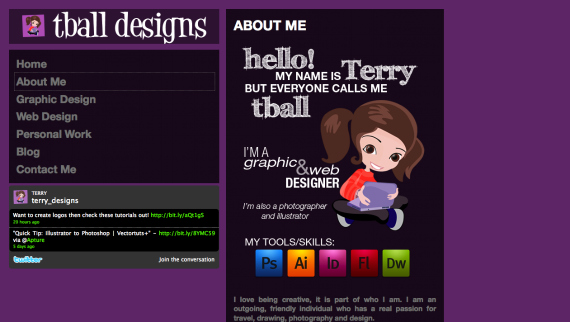
Designing a PSD template
As part of our Photoshop class we had to design a PSD template for our own website. It had to have 5 pages: Home, About, Blog, Portfolio and Contact. Software: Adobe Photoshop CS4
Calendar Project
This project consists of creating 12 different wallpapers with 12 different creativity quotes and then putting it together into a calendar. Software: Adobe Photoshop and Illustrator CS4